
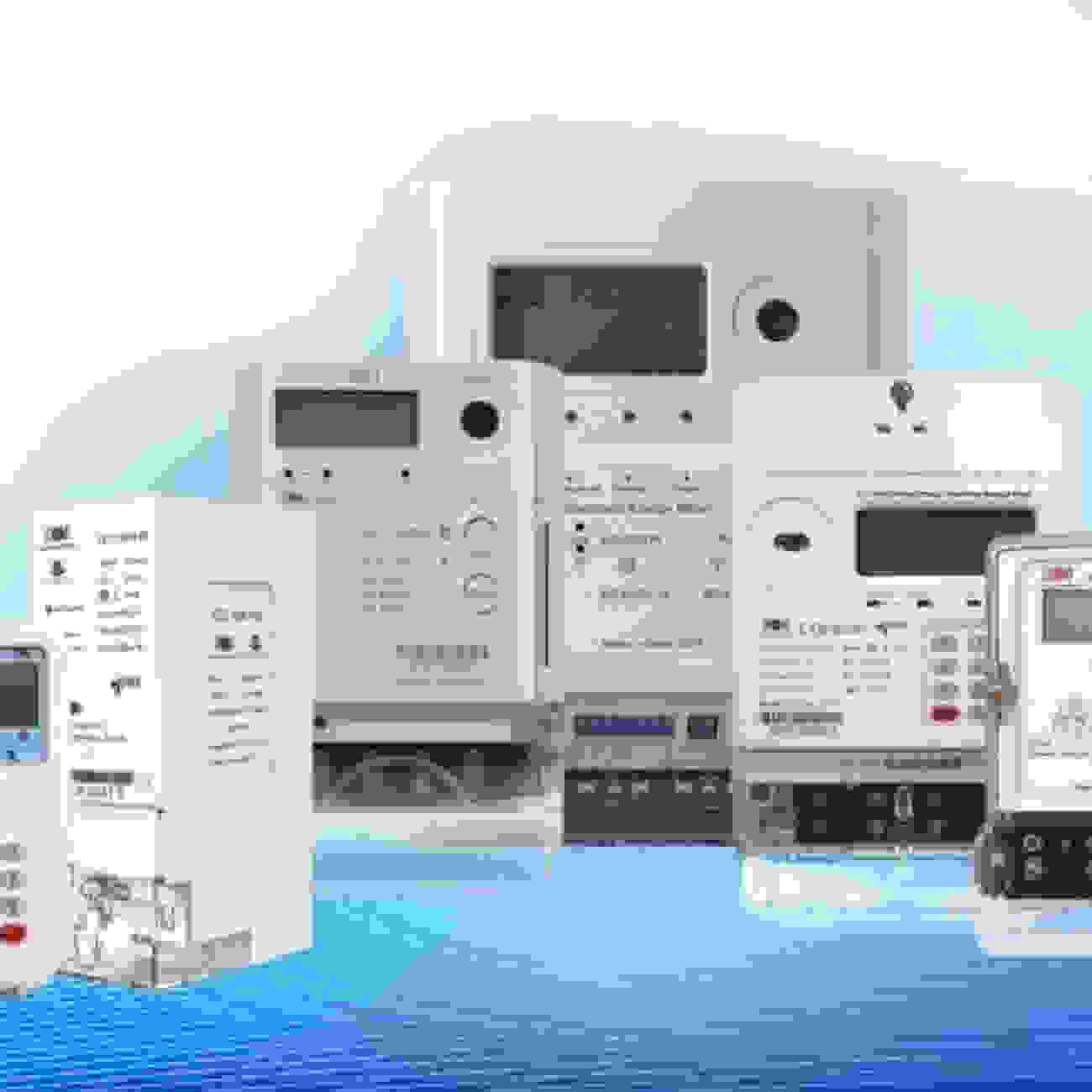

Living here in Nigeria means that you have used a pre-paid electricity meter at least once in your life; either as a tenant or a house owner.
It is fairly common to see these meters in use everywhere you go, but what many people are ignorant about is how a lot of the time, other people leave their debts unpaid on their apartment’s prepaid meters and a new unsuspecting user will inherit the debts and become responsible for paying it off if they fail to check before deciding to rent it.
This article addresses how to check the debts on your prepaid meter to ensure that you’re not paying for someone else’s used electricity after getting a new place.
What Is a Prepaid Meter?
A prepaid meter (also called a pay-as-you-go meter) is a digital meter that lets you pay for electricity before using it.
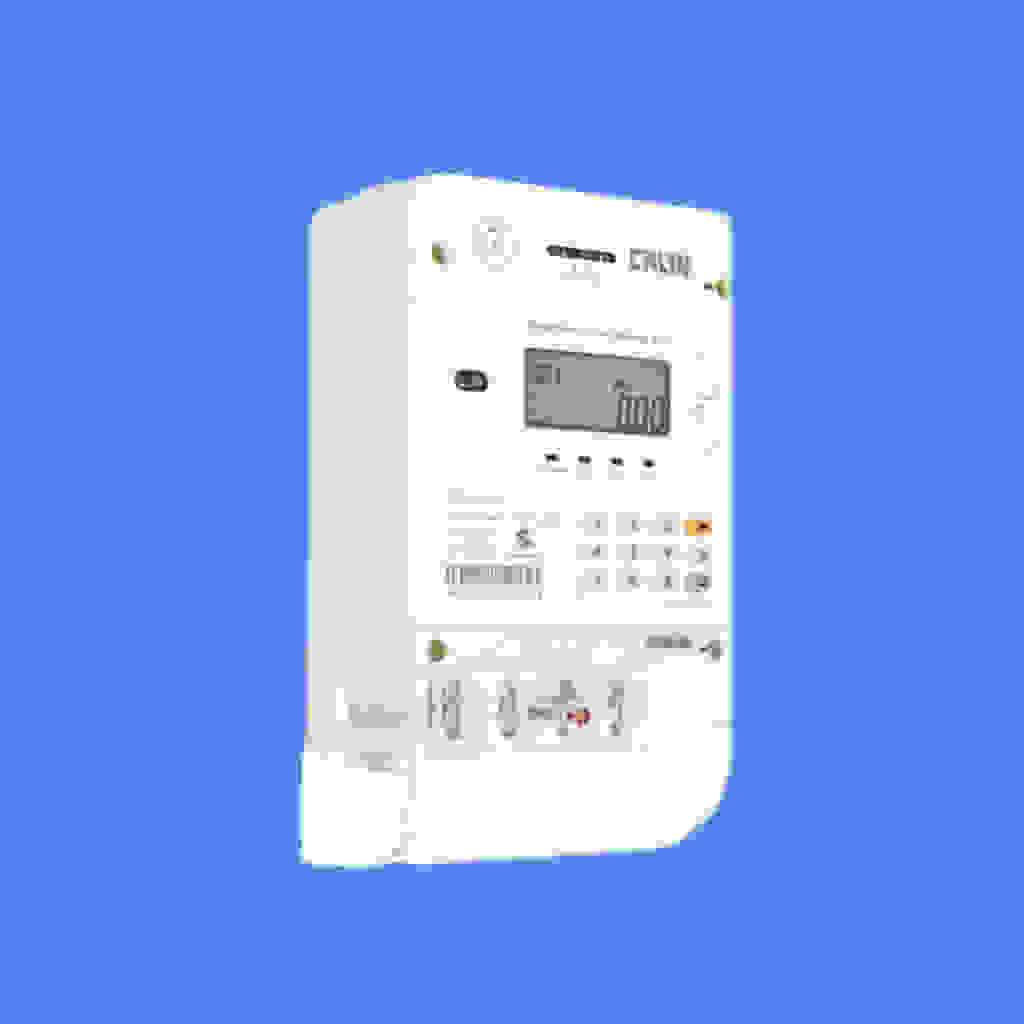
Unlike postpaid meters (where you get billed after usage), prepaid meters require you to buy credit in advance.
Why Should You Check Debt on Your Prepaid Meter ?
Imagine you moved into a new apartment, excited to start fresh, only to find out later that the previous tenant left behind an unpaid electricity debt.
Now, that debt is tied to the meter, and until it’s cleared, a portion of every recharge you make will go toward paying it off.
Checking for debt before moving in (or even after) ensures:
- You don’t pay for someone else’s electricity.
- You know exactly how much you owe (if any).
- You avoid surprises when recharging your meter.
How to Check Debt on Prepaid Meter online
There are several ways to check your prepaid meter debt in Nigeria.
Different electricity distribution companies have different ways of checking meter debt. But here’s a simple method that works for most:
Option 1: Use BuyPower.ng
- Go to www.buypower.ng
- Click on “Buy Electricity”
- Enter your meter number, select your electricity provider, and enter any amount (you won’t be charged yet)
- Click “Continue”
- If your meter has any debt, it will show up before you confirm payment
If you don’t see a breakdown, just stop before payment, you’ll still have seen the debt info.
Option 2: Use Your Disco’s Official Portal
For example:
- Ikeja Electric (IKEDC): https://www.ikejaelectric.com
- Eko Electric (EKEDC): https://ekedp.com
- PHED: https://www.phed.com.ng
- AEDC: https://www.abujaelectricity.com
Steps:
- Go to your Disco’s website
- Find the “Customer Services” or “Energy Purchase” section
- Enter your meter number
- The portal will show your outstanding debt if there’s any on the meter
How Do I Check My Prepaid Meter Balance?
Want to see how much credit you have left?
- For standard prepaid meters: Press the “Display” or “Info” button, and your remaining balance will show on the screen.
- For key/card meters: Insert your key or card, and the meter will display your current balance.
How Do I Clear My Prepaid Meter Debt?
If you discover an outstanding debt, here’s how to clear it:
- Recharge more than your usual amount (e.g., if you normally buy ₦2,000, try ₦5,000).
- The meter will automatically deduct a portion of your payment to cover the debt.
- Keep recharging until the debt is fully paid.
Where to Pay Prepaid Meter Debts in Nigeria

Once you confirm a debt, you’ll need a reliable platform to pay it off quickly. Here are your best options:
- Your Disco’s official office or website: Safe but often involves queues or slow processing.
- Third-party platforms like BuyPower: Convenient for online payments.
- Sycamore App: A fast, secure, and stress-free way to pay your electricity bills (and even clear debts) directly from your phone. Unlike other platforms, Sycamore also doubles as your financial companion, letting you save, invest, and manage money alongside utility payments.
With Sycamore, if you have an active savings plan, you get 3% cashback on every bill you pay. That’s money back in your pocket every single time you recharge.
Don’t wait till your lights go off. Download the Sycamore app now to pay debts, recharge faster, and earn cashback while at it.
Conclusion
Nobody wants to pay for electricity they didn’t use.
By checking your prepaid meter for outstanding debt, if you’re moving into a new place or just keeping track of your current meter, you avoid unnecessary costs and stay in control of your electricity spending.
Next time you recharge, take a few seconds to check the “Outstanding” section. It’s a small step that saves you money and stress in the long run.
Stay in control of your bills and your money. Download the Sycamore app today and enjoy 3% cashback on every bill when you save with us.