
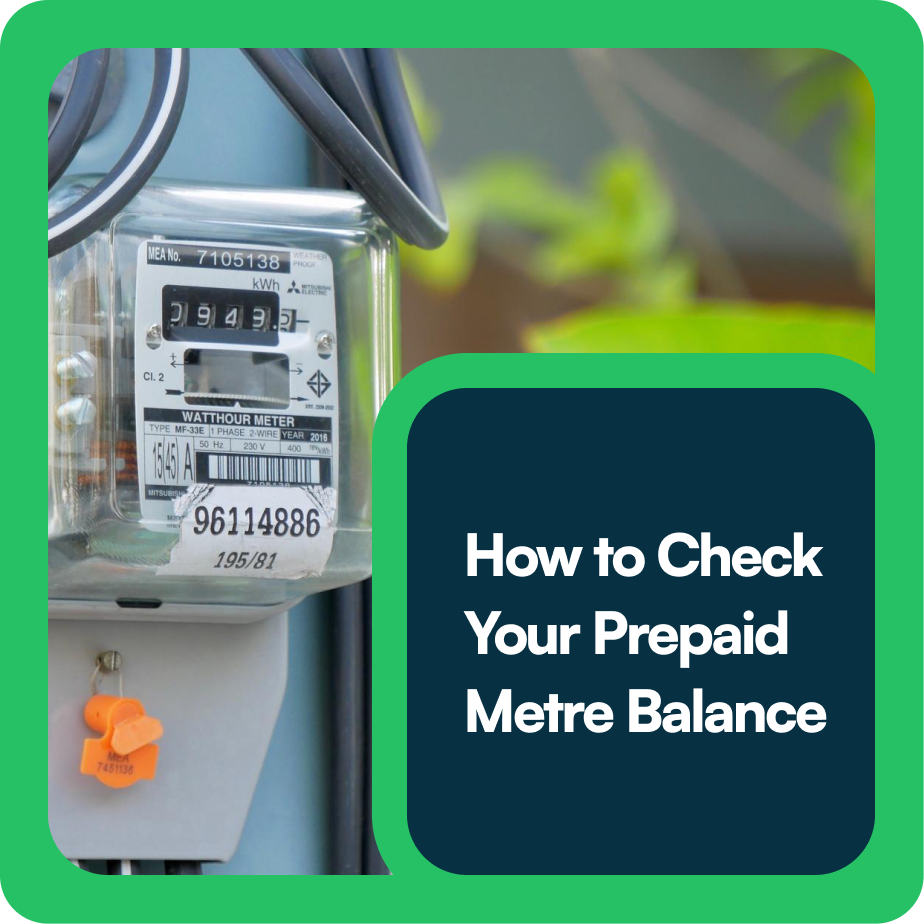

Nobody likes sudden blackouts especially when you’re in the middle of watching a movie or working from home.
If you use a prepaid electricity metre, the only way to avoid unexpected darkness is by keeping track of your units.
In this guide, we’ll show you how to check your prepaid metre balance in simple steps.
Why should you check your prepaid metre balance?
Prepaid metres work just like airtime on your phone, you load units (kWh), and once they finish, your power supply cuts off.
By regularly checking your balance, you:
- Avoid surprise power cuts.
- Monitor your electricity usage.
- Plan recharges ahead of time.
- Track errors in token purchases.
- Notice if there is an outstanding debt.
Here’s how to check your prepaid metre balance
Method 1: Direct Meter Display
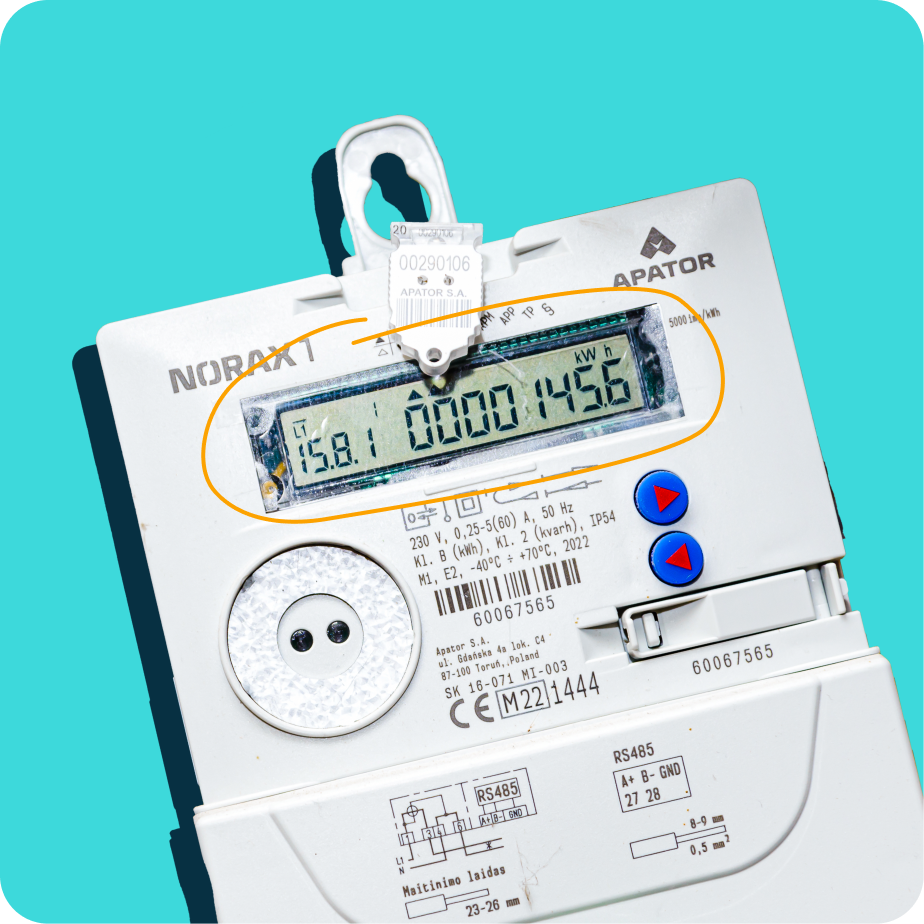
The quickest way to check your prepaid metre balance is to look directly at your meter screen.
Many modern prepaid meters (like Mojec, Longi, Conlog, MEMMCOL, and Landis & Gyr) display the remaining units on the screen.
Some meters even alert you when units are low by flashing a red light or beeping. That’s your reminder to recharge.
Method 2: Using a Keypad Code
Using a short code is also how to check your prepaid metre balance, if your meter doesn’t automatically display the balance. Simply dial these short codes on the meter keypad:
- Mojec meters – Type 009 + Enter.
- Longi meters – Use 00 or 07.
- Conlog meters – Try 009 or press the blue button.
- MEMMCOL meters – Use 07.
- Landis & Gyr meters – Dial 007.
Your balance will instantly appear on the meter screen.
Method 3: SMS/USSD From Your Disco
Some electricity distribution companies (DISCOs) in Nigeria allow you to check your prepaid meter balance via SMS or USSD.
For example:
- Ikeja Electric – Dial *565*6*MeterNumber# to check balance.
- Abuja Disco (AEDC) – Sends balance info via SMS after top-up.
- Eko Disco (EKEDC) – May send balance updates to registered numbers.
Method 4: Mobile Apps
Most DISCOs now have mobile apps (like Ikeja Electric Mobile App, Enugu Disco App, etc.).
Once you link your prepaid meter to the app, you can:
- View current balance.
- Track energy usage history.
- Get recharge notifications.
Method 5: Customer Service Channels
If your metre screen is faulty or you’re unable to check the balance here is how to check your prepaid metre balance using customer service channels:
- Call your electricity provider’s customer service
- Send your metre number via SMS, WhatsApp, or email
- Visit their office for help
Customer care can confirm your latest balance for you.
Conclusion
Understanding how to check your prepaid metre balance is simple, but it can save you from a lot of stress. Either through the keypad, token slip, mobile app, or customer care, you’ll always know how much electricity you have left.
Always stay proactive, and don’t wait until your lights suddenly go out. A quick balance check can make all the difference.
However, checking your balance is one thing, choosing a reliable platform to load up your prepaid is another. Sycamore NG allows you to pay off electricity bills in seconds and rewards you with 3% cashback when you have an active savings plan.
Click here to download the Sycamore app and start earning from paying bills.